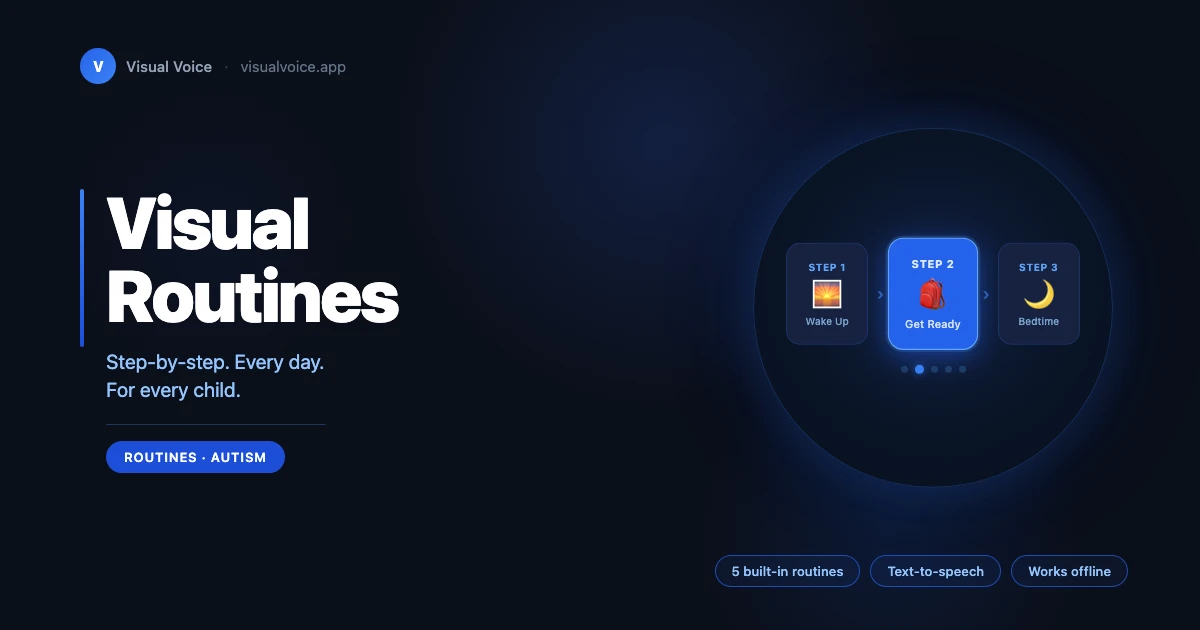
What if your child could follow their morning routine — independently?
Not with you standing nearby, prompting every step. Not with a meltdown at the transition from breakfast to getting dressed. Just your child, moving calmly through their day, one pictogram at a time.
That's what Visual Routines make possible.
Why Predictability Is Not a Luxury
For many non-verbal children — those with autism, developmental delays, or speech disorders — the invisible part of daily life is the hardest. The schedule on the fridge means nothing. The clock means nothing. What does make sense is a clear, visual answer to the question: "What happens next?"
When children know what's coming, anxiety drops. Transitions become smoother. Tantrums tied to the unexpected have less room to take hold. Structure isn't rigid — for children who need to know what comes next, it's freedom.
Visual Voice Routines were built on this insight. Each routine is a step-by-step sequence of pictogram cards that walks your child through a daily activity in a way they can truly understand.
Five Routines, Ready from Day One
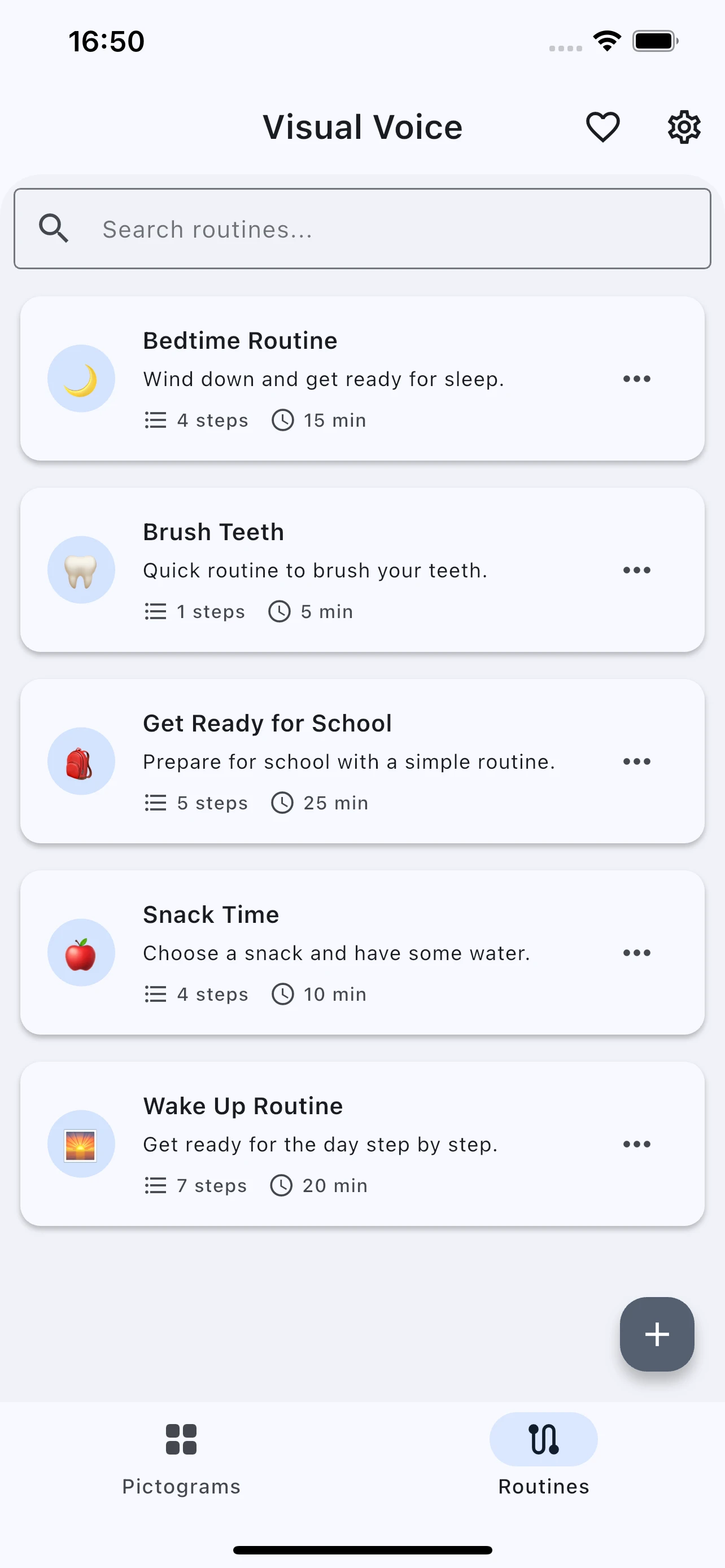
Opening the app for the first time, you'll find five carefully designed routines already waiting:
| Routine | Steps | Estimated time |
|---|---|---|
| 🌅 Wake Up | 7 steps | ~20 min |
| 🎒 Get Ready for School | 7 steps | ~25 min |
| 🌙 Bedtime | 4 steps | ~15 min |
| 🦷 Brush Teeth | 1 step | ~5 min |
| 🍎 Snack Time | 4 steps | ~10 min |
No configuration. No learning curve. On day one, your child can tap Start on the Wake Up routine and begin their morning with you right beside them, watching them follow along.
These aren't placeholder templates — each routine was designed around the real rhythms of family life, with steps that reflect what children actually do, in the order they actually do it.
Every Family Is Different — Make It Yours
No two children are the same. The built-in routines are a starting point, not a ceiling.
Creating your own routine is straightforward: give it a title, add an optional description, choose an emoji icon if you'd like, and start adding steps. Each step is a pictogram — either from the app's extensive library or from custom pictograms your family has already created. You can add a short note to any step ("Rinse for 30 seconds") and set an optional duration in minutes.
The app totals up those durations automatically, so you always know how long a routine should take.
As your child grows and their needs evolve, routines grow with them. Add a step, remove one, reorder them with a drag. A routine that worked at age four might need two extra steps at age seven — and editing takes seconds.
Need a weekday version and a weekend version of the same routine? The Clone feature duplicates any routine with a single tap, preserving all steps, notes, and durations. From there, adjust as needed.
Following Along: The Run Mode
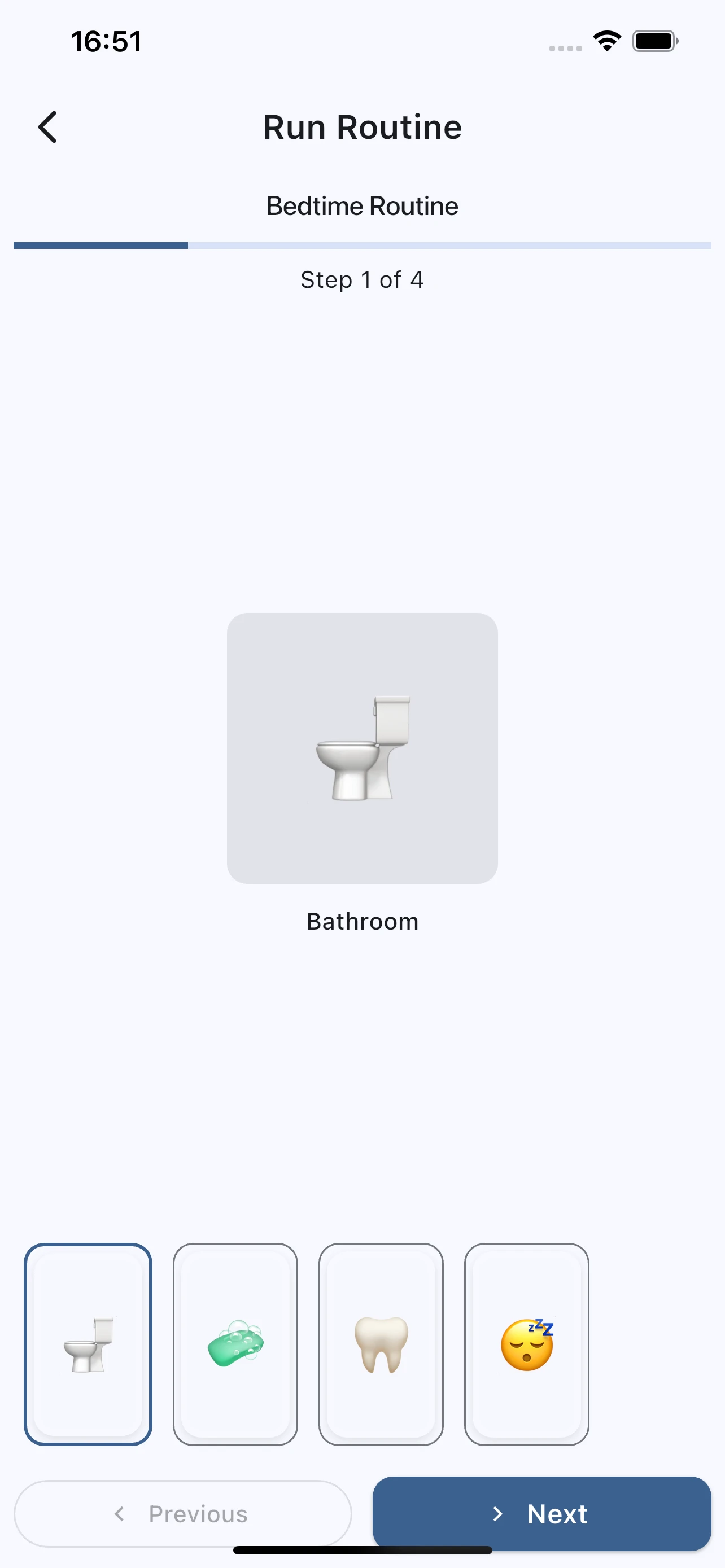
When it's time to use a routine, tap Start. The app enters a focused, distraction-free run mode.
One step fills the center of the screen — large, clear, impossible to miss. At the bottom, a scrollable carousel shows all steps as thumbnails, with the current step highlighted so your child always knows where they are in the sequence. A counter at the top reads "Step 3 of 7."
As each step is shown, the app reads the pictogram label aloud through Text-to-Speech. Visual and audio reinforce each other. For children who respond well to hearing their routine as well as seeing it, this combination is powerful.
Navigation is flexible: tap Next to advance, Previous to go back, or tap any thumbnail in the carousel to jump directly to that step. If your child wants to revisit a step — to look at it longer, or to repeat a task — they can.
Voice settings (language, speed, pitch) are customisable in the app's settings, so you can match the voice to what your child responds to best.
Built for Real Life
Accessibility first
Large touch targets (minimum 44×44 points) make the app usable for children with motor difficulties. High contrast mode and reduced motion support are available for children with visual or sensory sensitivities. Screen readers work throughout the app.
Parental controls
Routines can be locked behind a PIN. Your child can run any routine independently without accidentally deleting steps or creating new ones. They get the independence; you keep the structure.
Offline, always
Every routine is stored locally on the device. No internet connection is needed to run a routine — not at school, not on a trip, not during a meltdown when Wi-Fi is the last thing on anyone's mind. Routines are also included in the app's backup and restore feature, so nothing is lost if you switch devices.
12+ languages
Visual Voice supports over 12 languages, including Spanish, Portuguese, French, German, Hindi, Japanese, Korean, Arabic, Russian, Chinese, and Italian. The Text-to-Speech voice reads pictogram labels in the selected language, so the routine experience is consistent however your family communicates.
A Small Win That Isn't Small at All
The first time your child completes a morning routine without you prompting every step — that moment matters. It is not a small thing. It is independence, earned through repetition, structure, and a visual language they can actually read.
Visual Voice is free to download on iOS and Android. Open the app, tap Routines, and start with Wake Up this morning.
Questions or feedback? Reach our support team — we read every message.